

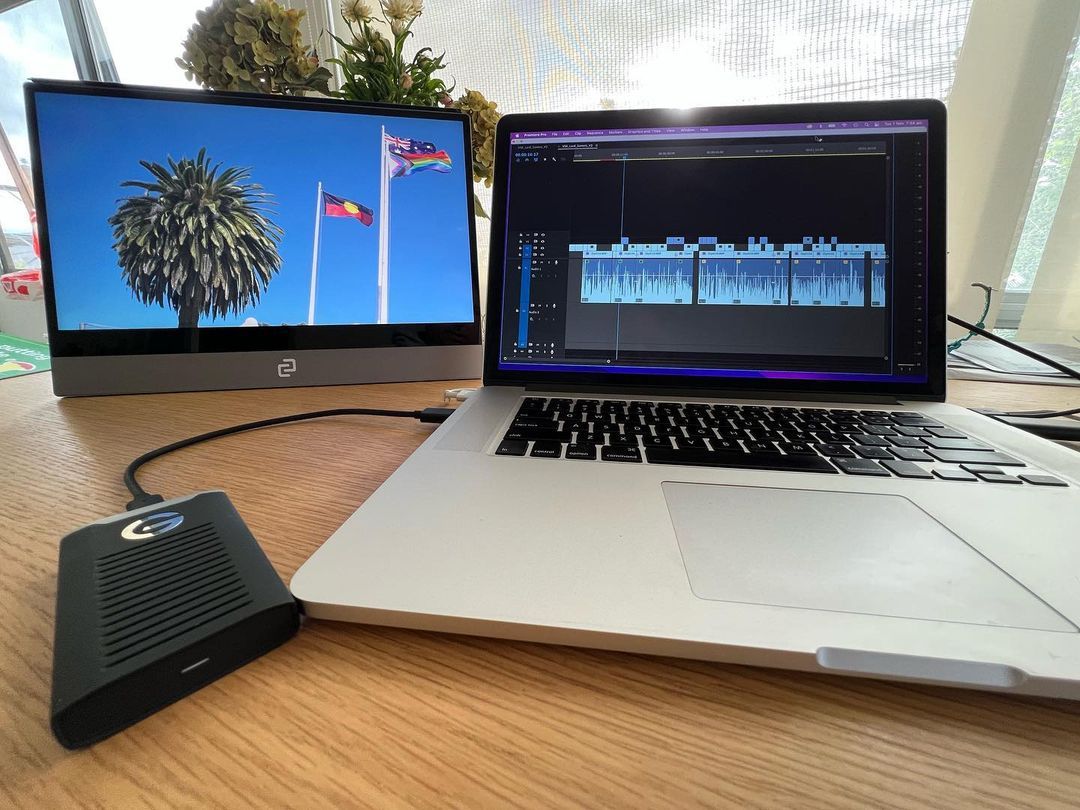
Updated November 2026 with brightness figures for the full espresso range, including the new Lite 15.
If you've already decided you need a portable monitor... great choice. Now let's make sure you pick the right one.
Brightness plays a bigger role than most people realise. It affects how well you can see, how long your battery lasts, and where you can actually work. Since most people compare new tech with what they already know (their laptop, desktop or phone), that's where we'll start.
How is brightness measured? With nits, of course
Nits measure screen brightness. 1 nit equals 1 candela per square metre, roughly the light of one candle spread across that area. The more nits, the brighter the screen. More brightness also means more power use, so when you're running from a laptop battery, there's a trade-off.
espresso brightness at a glance

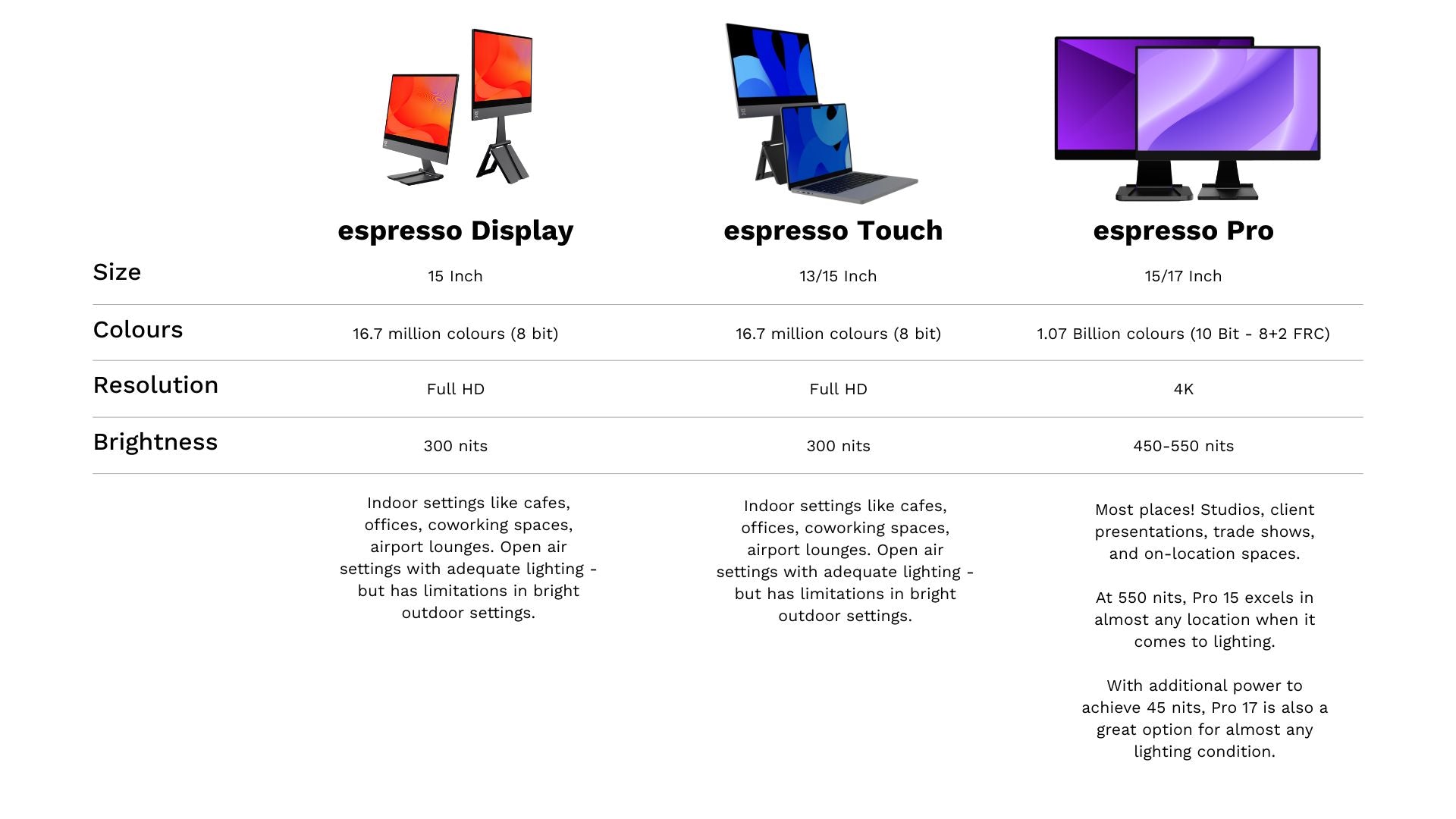
| Model | Brightness | Screen | Resolution | Colour | Best for |
|---|---|---|---|---|---|
| espresso Pro 15 | 550 nits | 15.6" | 4K | 100% Adobe RGB, 1.07 billion colors | Bright rooms, near windows, colour work |
| espresso Pro 17 | 450 nits | 17.3" | 4K | 100% DCI-P3, 1.07 billion colors | Big canvas, video and design |
| espresso Lite 15 | 400 nits | 15.6" | Full HD | 100% sRGB, 16.8 million colors | Cafes and travel on a budget |
| espresso Touch 15 | 300 nits | 15.6" | Full HD | 100% sRGB, 16.8 million colors | Interactive work in hybrid settings |
| espresso Display 15 | 300 nits | 15.6" | Full HD | 100% sRGB, 16.8 million colors | Hybrid work environments |
Figures from each espresso product page, November 2026.
Why higher brightness matters
In bright places you need enough brightness to keep contrast and readability. Think about how your phone turns its brightness up when you step outside. The same idea applies to portable monitors.
The right choice depends on where you usually work, what your laptop can power, and personal preference. Our 300-nit Display 15 and Touch 15 are great in controlled indoor light and easy on your battery. The 400-nit Lite 15 gives you extra headroom in cafes and bright rooms. The Pro range, at 450 to 550 nits, handles challenging light and professional work.
Where you work matters for brightness
Indoors: office and home office. Most laptops lower their brightness indoors to save power, and most desktop office monitors run between about 250 and 350 nits. In a well-lit room you'll be looking at the screen for long periods, and a very bright screen can cause eye strain, so adjust it to suit the work you're doing. Good fit: Display 15, Touch 15.
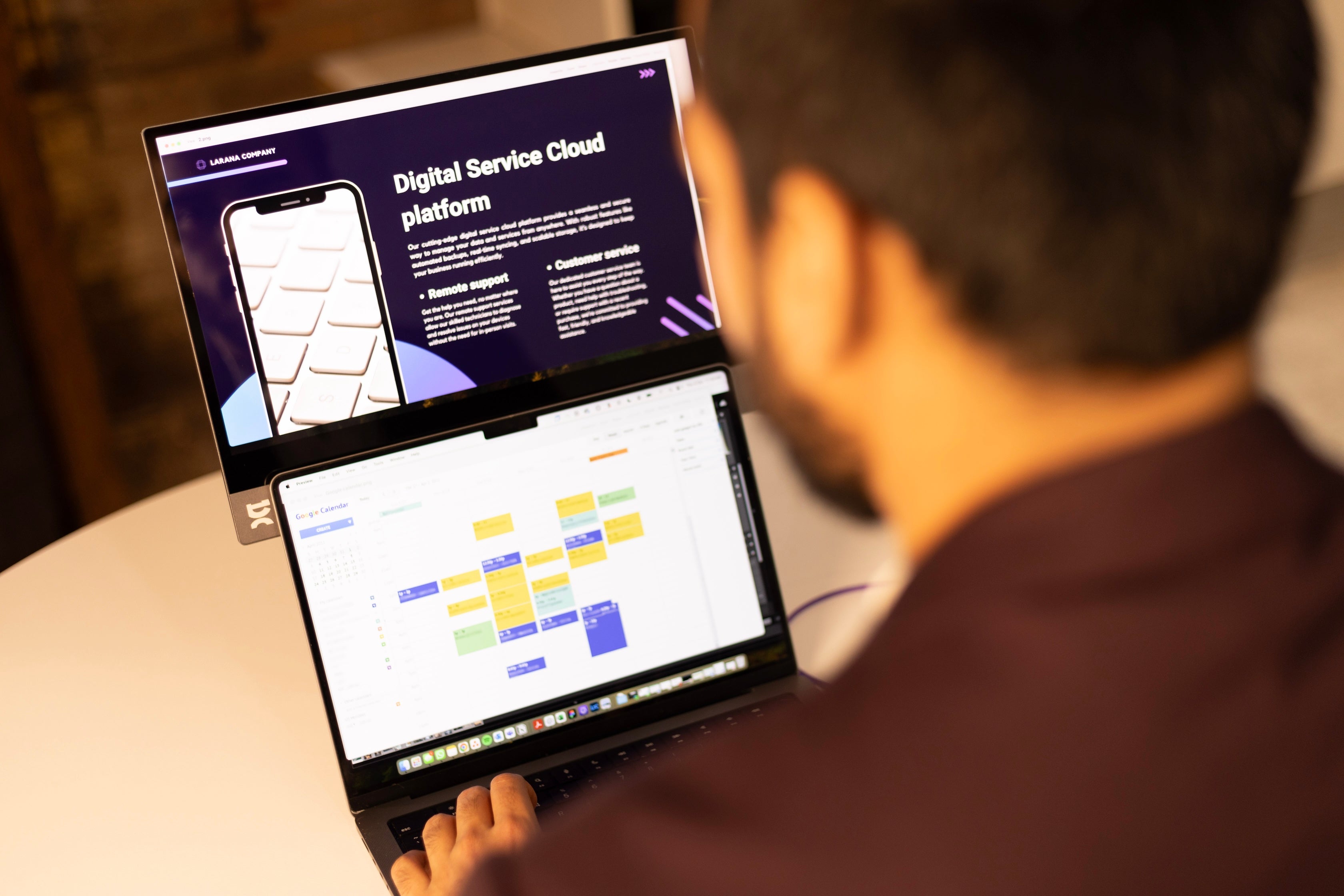
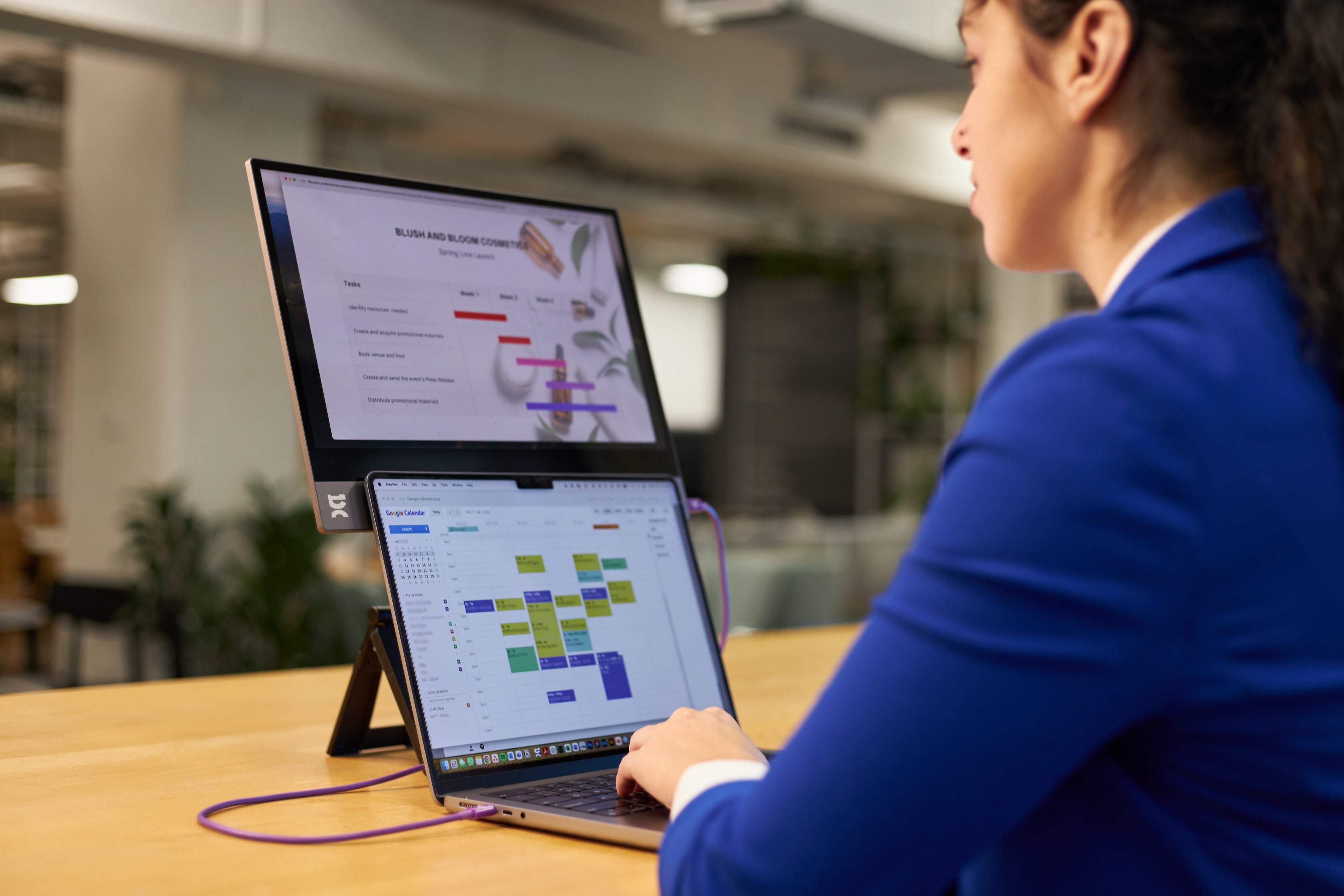
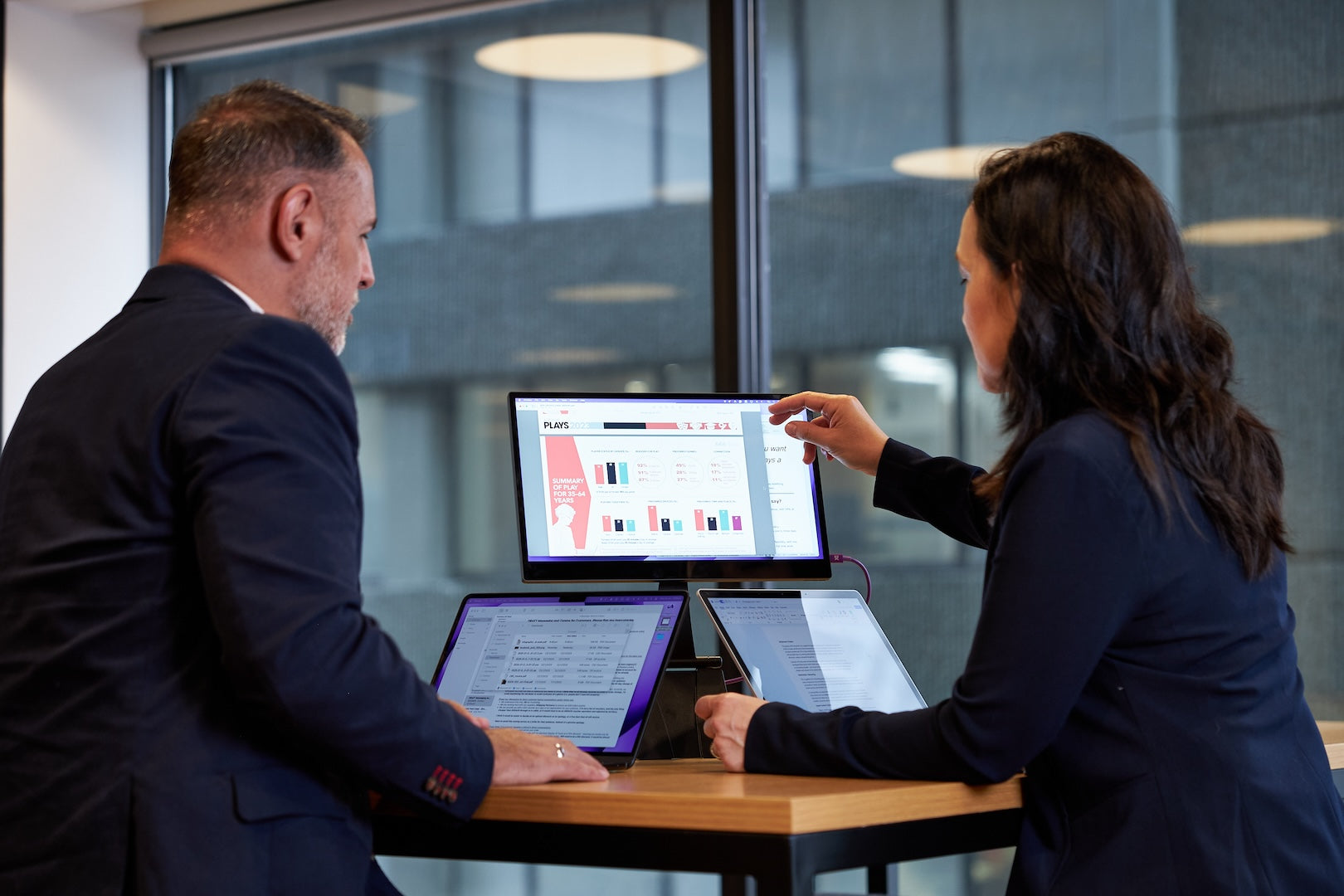
Indoors: cafes, libraries, co-working spaces. Light varies more here. 300 nits upwards is usually enough, but 400 nits or more starts to make a real difference near windows or under bright lights. Good fit: Lite 15, Pro 15.
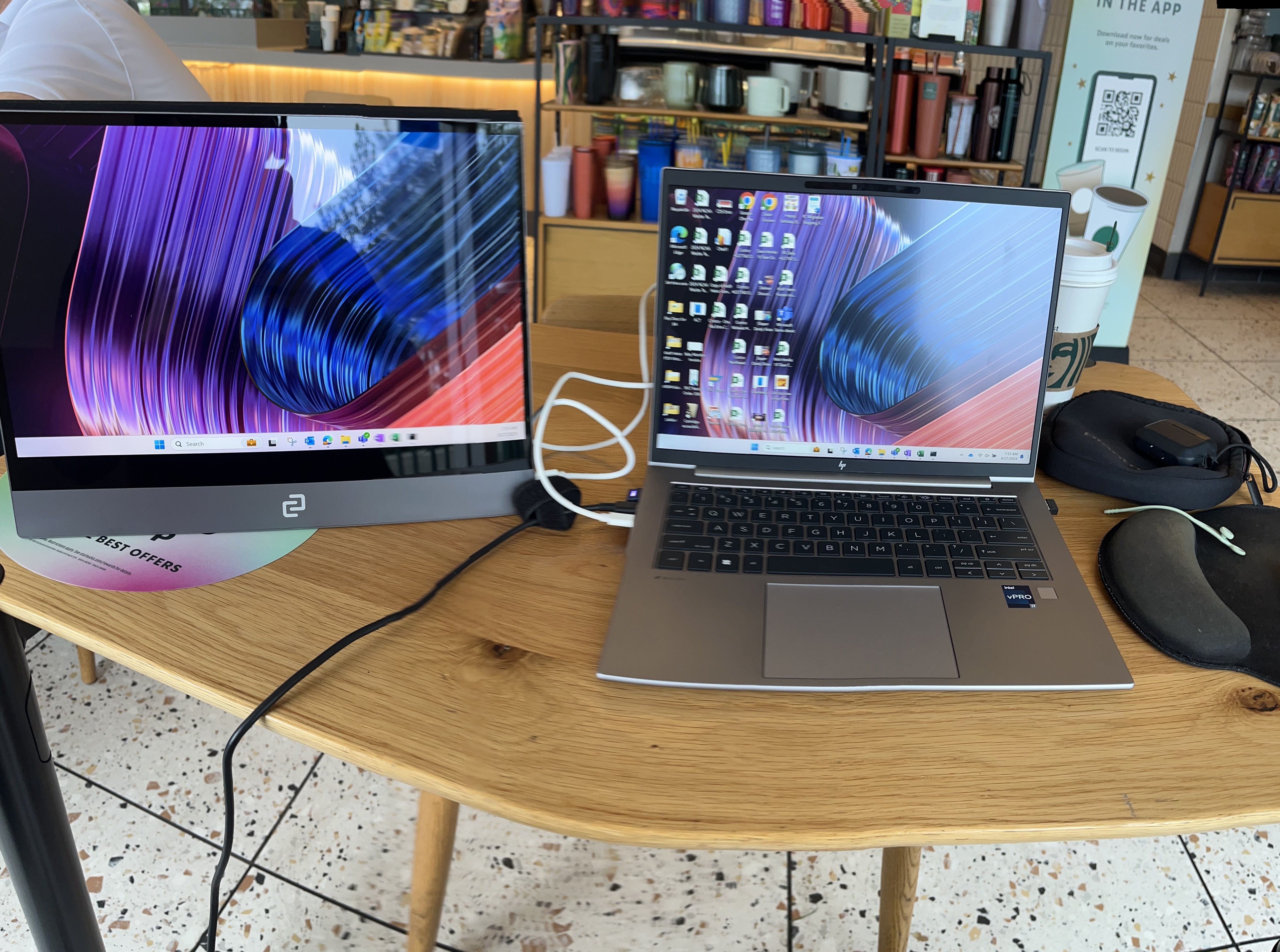
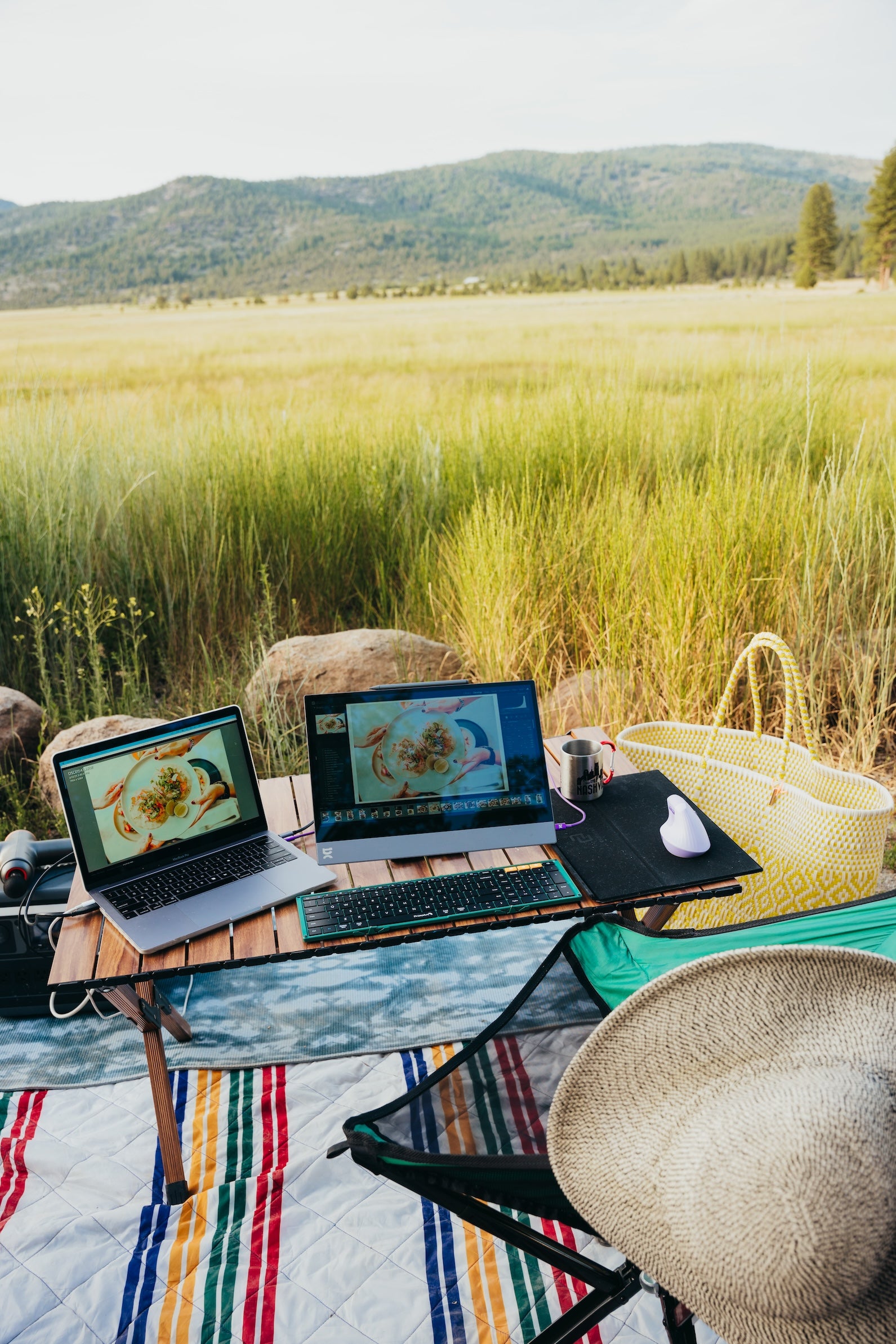
Outdoors and very bright spaces. You'll want 400 nits or more so your screen stays readable. Ideal for creators, photographers and business travelers on the move. Good fit: Pro 15 (550 nits), Pro 17 (450 nits), Lite 15 (400 nits).
Brightness affects battery
Brighter displays use more power. If you run a portable monitor at full brightness for a long time, make sure your laptop or power source can handle it. Laptops with larger batteries (like a MacBook Pro) will usually support longer sessions with a brighter display than ultraportables like a MacBook Air.
Two things to know about espresso displays:
- Pro 15 runs at its full 550 nits from a single USB-C cable, as long as your device supports it.
- Pro 17 limits its brightness to the power your device can supply. To reach higher brightness than your laptop supports, add an external power source such as the espresso Charge.
Every espresso display also has two USB-C ports with power passthrough, so you can plug in a charger when you need more power.
Match brightness for comfort
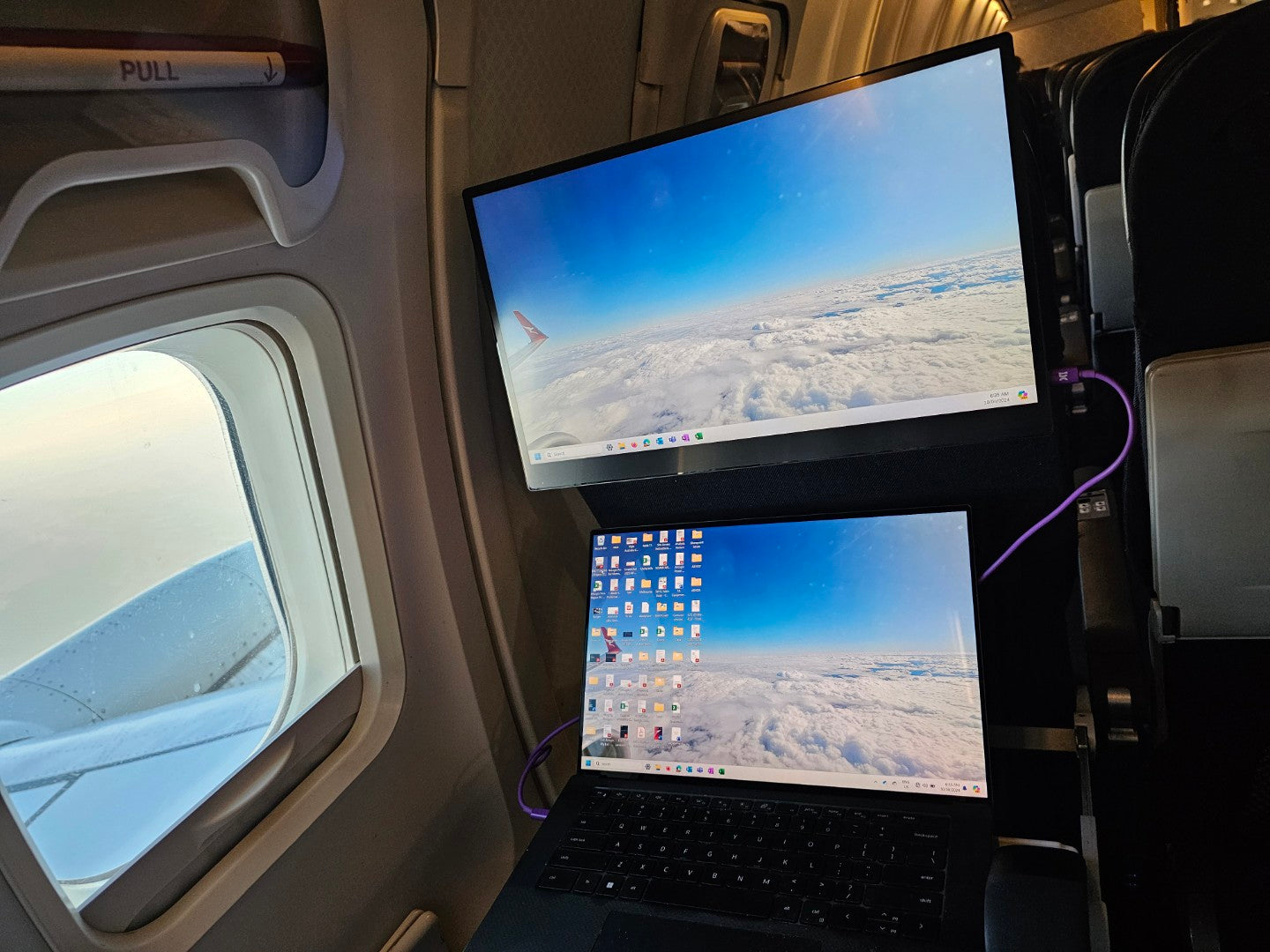
For side-by-side use, set your monitor and laptop to a similar brightness for a consistent, comfortable view. In presentation mode, turn your espresso display up and keep your laptop dim to put the focus on your content.
Comparing display standards
- Budget laptops (150 to 200 nits): any of our displays is a clear brightness step up.
- Mid-range laptops (250 to 400 nits): a natural match for the Display 15, Touch 15 or Lite 15.
- High-end laptops (400 to 800+ nits): pair with the Lite 15 or the Pro range for a closer brightness match.
- Standard desktop monitors (around 200 nits on average): our whole range is brighter.
- Professional desktop monitors (400 to 800+ nits): the Pro range complements pro-grade displays in creative workflows.
Does brightness affect colour quality?
Not directly. Brightness doesn't change a display's colour gamut. But higher brightness improves perceived contrast, which makes it easier to tell subtle colours apart, and that matters for detailed work. For more on colour across our range, head over to this article.
Which espresso is right for your light?
- Mostly indoors, want premium aluminium: Display 15 (300 nits), or Touch 15 if you want touch.
- Cafes, travel, a lighter bag and a lower price: Lite 15 (400 nits).
- Any environment, plus 4K and pro colour: Pro 15 (550 nits).
- The biggest 4K canvas: Pro 17 (450 nits).
Still weighing it up? See How to Choose the Best Portable Monitor for You or compare the two entry models in espresso Display 15 vs Lite 15.